A Workspace is the collection of Data, Charts and News that you see on the DTN Instant Market Screen.
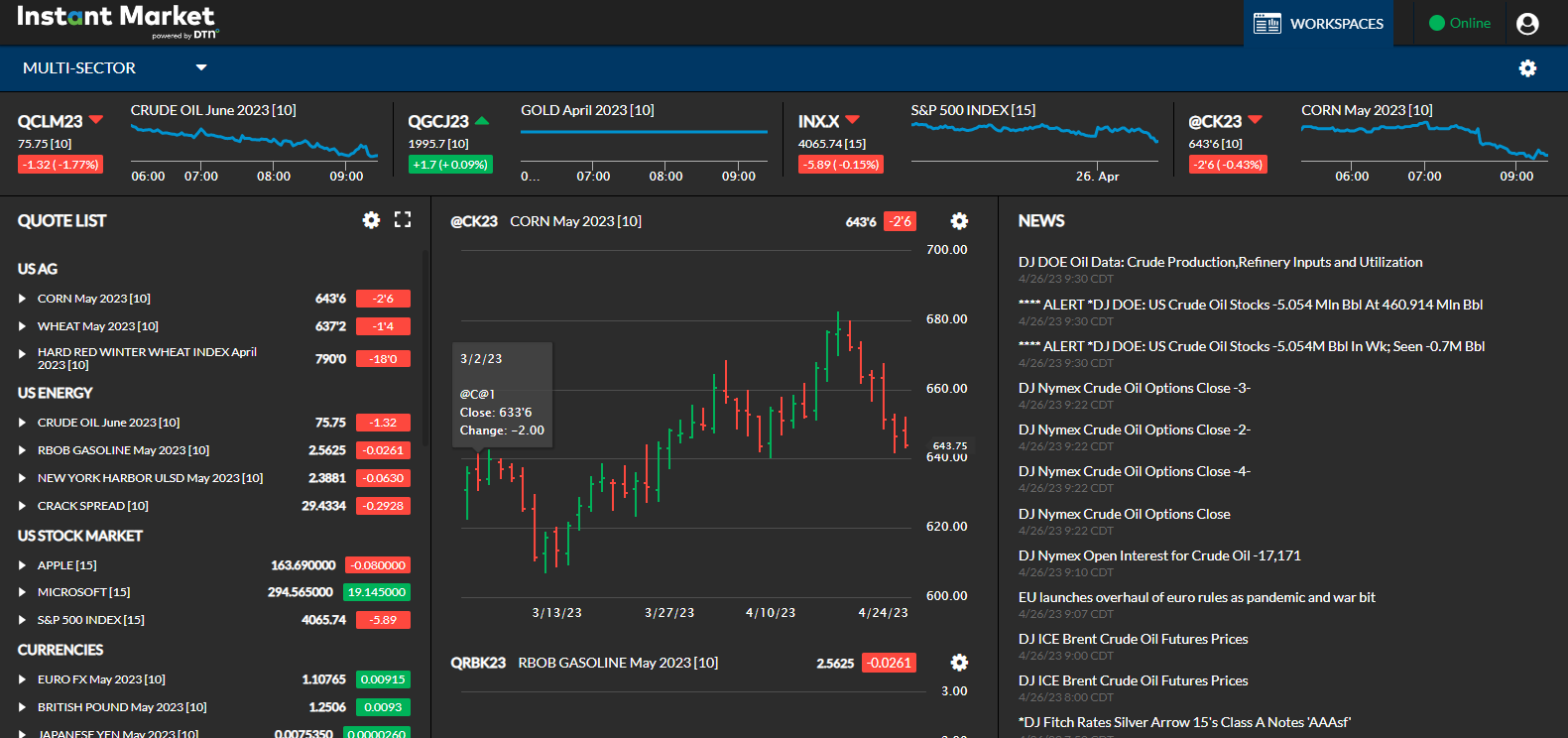
To switch from Workspace to Workspace
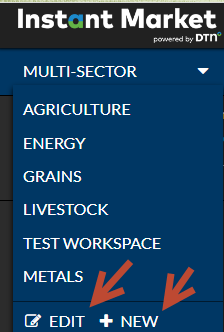
- Click on the drop down box in the upper left-hand corner.
- Click on the Workspace you want to view.
- You can also Edit or add a New workspace.
Adding a New Workspace
-
-
- Click on New.
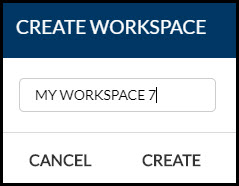
- In the drop-down box, enter the name you want to see displayed in the drop-down.
- Click on Create.
- You will be asked to add a symbol. You must add at least one symbol before you can save the new Workspace.
-
Editing a Workspace
- Select the Workspace you want to edit.
- Click on Edit.
- You can change the name of the Workspace and then click on Save.
- OR you and delete the Workspace altogether by clicking on Delete.
